1. Download NodeJS here: https://nodejs.org/en/download/ , install NodeJS
2. Go to GitHub and create a repository: https://github.com/

my repository name is TestNodeJS
3. Go to heroku and create an app: https://dashboard.heroku.com/apps

my heroku app name is myynodejstest
4. Setup heroku's NodeJS sample (follow the steps in the link): https://devcenter.heroku.com/articles/getting-started-with-nodejs#introduction
clone heroku NodeJS sample:
https://devcenter.heroku.com/articles/getting-started-with-nodejs#prepare-the-app
5. git push the heroku NodeJS sample to the GitHub repository created in step 2
6. link GitHub repository to heroku app and deploy to heroku
go to your heroku app dashboard: https://dashboard.heroku.com/apps/your_app_name
press the Deploy button
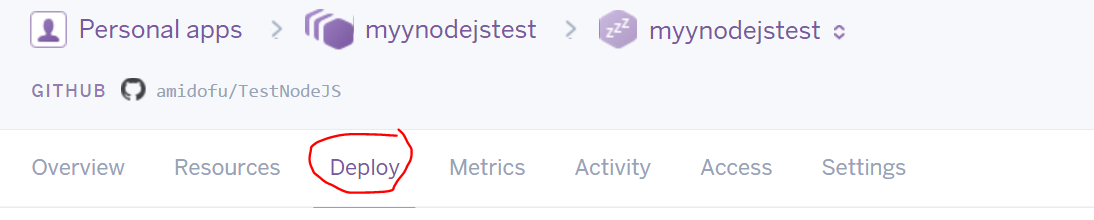
connect to the GitHub repository of your NodeJS project

deploy the GitHub repository branch

7. check your app by the link: https://your_heroku_app_name.herokuapp.com/
8. Windows NodeJS dev environment setup:
to make npm module globally accessible, you need to add npm module path to user's environment variable:
variable name: NODE_PATH
variable value: %USERPROFILE%\AppData\Roaming\npm\node_modules
for more info, please check here: http://stackoverflow.com/questions/9587665/nodejs-cannot-find-installed-module-on-windows
9. modify app entry point(03/14/2017 added)
not so sure but I changed the following fields
-"app.json" - repository
-"package.json" - main, scripts.start
-"Procfile" - web: node {your_entry_point_file}(your server.js)
10 other things need to be noticed
- npm package dependencies: need to modify "package.json" - dependencies
- server's port: please use "port = process.env.PORT || 5000", if heroku can't bind the port
